 Get BillBack for Android
Catch it before it disappears.
Photograph a paper receipt or import a file, including a PDF. AutoScan reads the merchant, date and amount for you to check.
 Open web app
The lunch receipt in your pocket. The hotel PDF in your inbox. Keep them in BillBack, with the details filled in and expenses organized for when you need to claim them.
Get BillBack for AndroidAvailable on Android and the web.

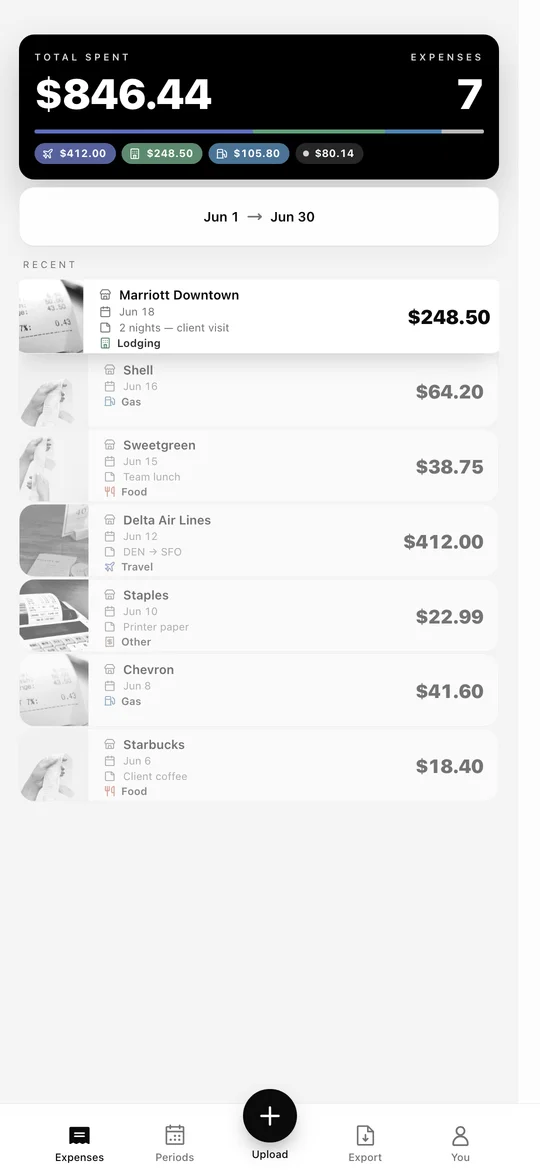
Photograph a paper receipt or import a file, including a PDF. AutoScan reads the merchant, date and amount for you to check.
Add a tag and a note for the job, client or purchase. Keep the receipt with its expense, instead of a photo you have to identify later.
Review expenses by month or pay period. Export that period, or hand-pick expenses for a PDF report with the receipt images attached.
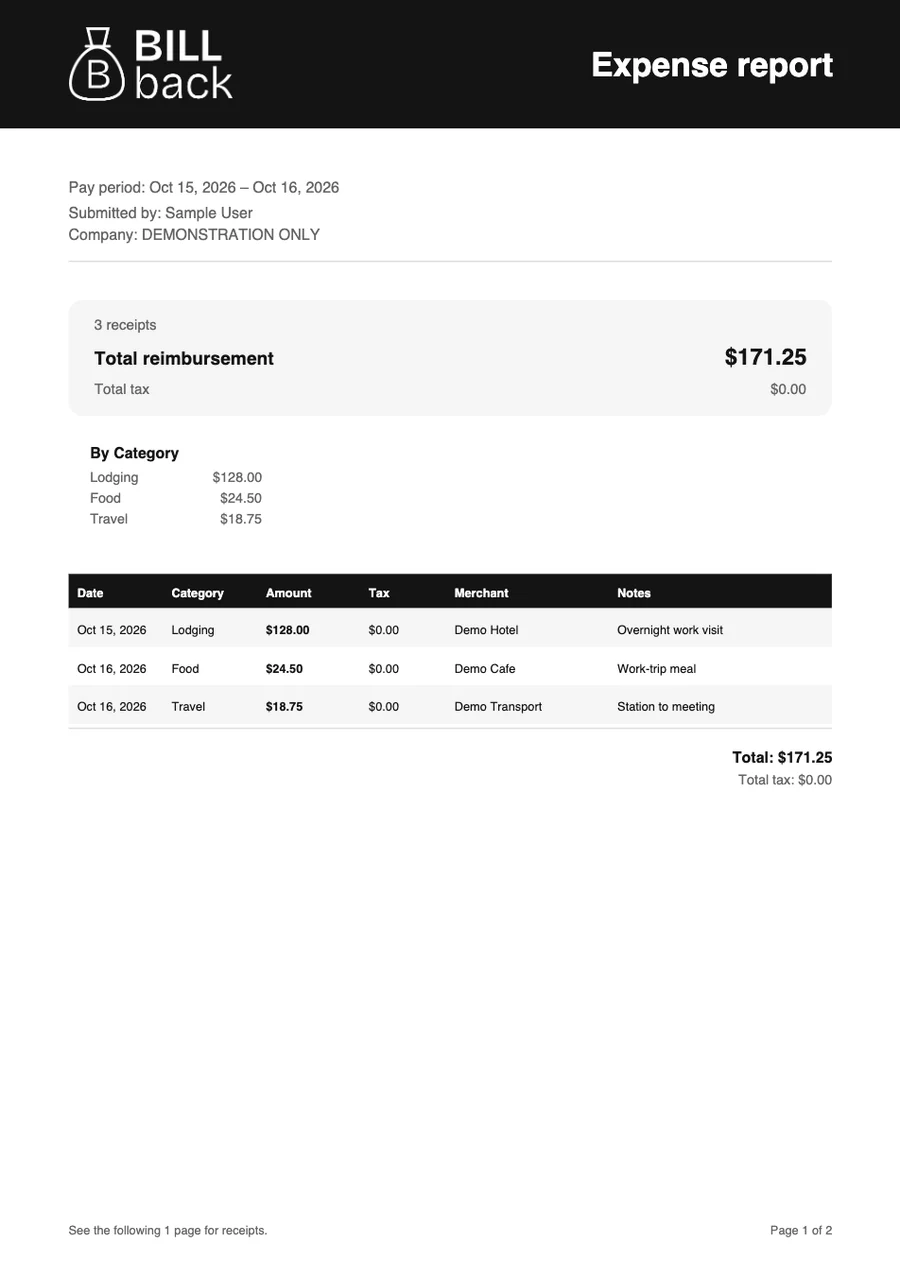
Export an itemized PDF with the receipt images included. Share it with your employer, client or accountant.
BillBack helps you capture receipts, review extracted expense details, organize work expenses, and export PDF expense reports with receipt images included.
No. You can create a PDF report and send it to the person who handles your reimbursement. Check that person’s required format and expense policy before submitting.
No. BillBack prepares your expense records and PDF report. Your employer or client handles approval and payment.
Yes. The web app is available at www.billback.app. BillBack also has an Android app on Google Play.
Add it to BillBack while you still have it.